 blog
7 Things to Check in a Medical Alert for Seniors Living Alone
Last Updated: November 15, 2026
Quick Summary
A medical alert system lets someone living alone call for help with one press of a button, even when they cannot reach a phone. Wearable help buttons and wall-mounted base units connect to a response center that can contact emergency services and the person's listed contacts.
- Check whether the system requires a long-term contract before you buy.
- Confirm how the device is worn, such as a wristband or pendant.
- Look for fall detection and GPS if the senior travels.
- Test the device monthly so the family knows it works in an emergency.
- Choose a waterproof option if the wearer showers or bathes.
Table of Contents
- How a Medical Alert System Works for Someone Living Alone
- What to Check Before You Buy a Medical Alert System
- Choosing a Medical Alert Device for Your Parent's Next Step
- Frequently Asked Questions
How a Medical Alert System Works for Someone Living Alone
A medical alert system lets someone living alone call for help with one press of a button, even when they cannot reach a phone. Wearable help buttons and wall-mounted base units are designed to connect to a response center that can contact emergency services and the person's listed contacts. For a senior living alone, that connection can be the difference between a quick response and a long wait on the floor.
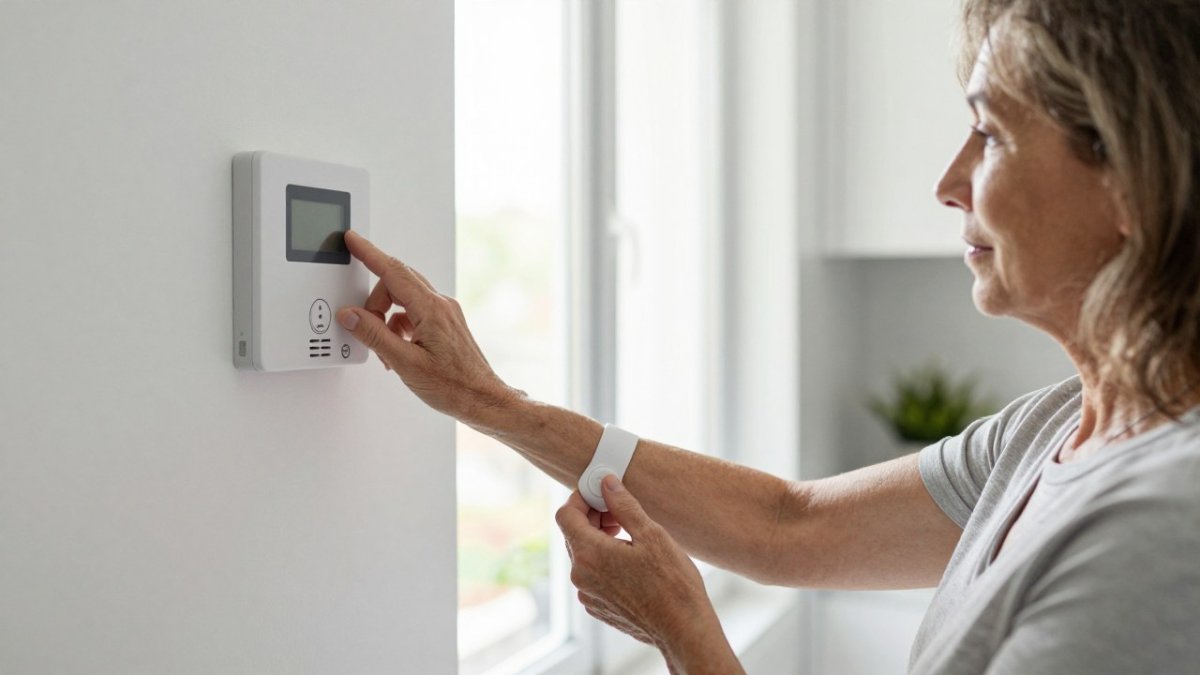
Many older adults picture a device that sits in a drawer.
What to Check Before You Buy a Medical Alert System
Before you choose a system, check whether it has a long-term contract. We Send Help does not use long-term contracts, and there are no activation or early cancelation fees. Monthly monitoring is month to month, so a senior who finds the device does not fit can stop service without a penalty.
Also check how the device is worn, whether it has fall detection, and whether it includes GPS for seniors who travel. National Institute on Aging guidance on home safety for older adults
Choosing a Medical Alert Device for Your Parent's Next Step
Start with the person who will wear the device. A wristband suits someone who wants a discreet option. A pendant may suit someone who prefers something worn on a cord. Test the device monthly so the family knows it will work in a real emergency. Read whether fall detection is worth paying for before you decide.
We Send Help offers waterproof smartwatches and 4G/5G consoles, so the device can match daily routines, including showers and time away from home.
Frequently Asked Questions
Does a medical alert system need a landline?
Not always. Many medical alert systems use a cellular connection, so a landline is not required. Ask any provider whether its device connects over cellular, landline, or both, and confirm that the connection covers the rooms where your parent spends the most time, including the bathroom.
Can a medical alert device work in the shower?
Some devices are water-resistant, which matters because bathrooms are where many falls happen. Check the device's water rating before buying, and confirm whether it is designed to be worn in the shower or only splashed. Test the help button in the bathroom after setup so you know it reaches the response center from the places where help is most likely needed.
Are there hidden fees with a medical alert system?
Costs vary by provider, so compare the full picture rather than only the monthly rate. Ask about equipment charges, activation fees, cellular data charges, and what happens if you cancel early. We Send Help does not use long-term contracts and has no activation or early cancelation fees. For current pricing, visit our website or request a quote.